

Ryubing Fast and Smooth Performance
Discover Ryubing, a powerful platform delivering fast performance, smooth operation, and reliable stability with advanced features, an intuitive interface, and optimized efficiency for gamers, developers, and modern users seeking control and speed.
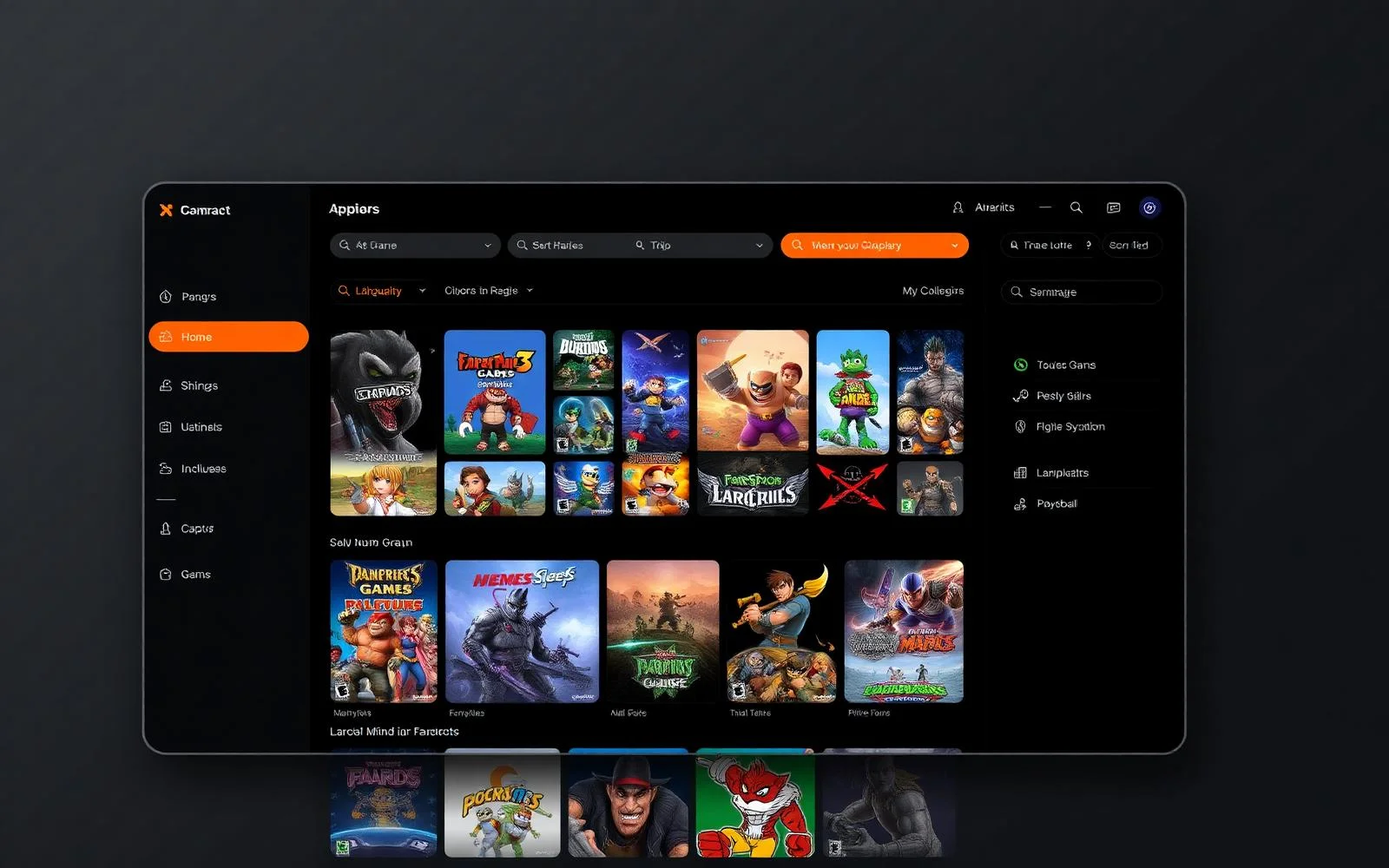
- About
What is Ryubing?
Ryubing is a modern, performance-focused platform designed to deliver a smooth, efficient, and highly responsive digital experience. Built with advanced optimization and user-centric design, it allows users to run, manage, and interact with their content effortlessly. Whether you are focused on gaming, development, or high-performance tasks, Ryubing provides the tools and stability needed to achieve consistent results without unnecessary complexity.
At its core, Ryubing combines speed, compatibility, and flexibility into a single streamlined solution. It is engineered to work seamlessly across a range of systems, offering intuitive controls for beginners while still providing powerful customization options for advanced users. With regular updates and a strong focus on reliability, Ryubing continues to evolve as a dependable choice for anyone looking to enhance performance and simplify their workflow.
2.4M+
Active users
4,200+
Supported games
60 FPS
Smooth gameplay
100%
Free & Open Source
- Key Features
Built for serious gamers
Ryubing is built to deliver a smooth, reliable, and high-performance experience for users who expect more from modern software. Every feature is carefully designed to ensure speed, flexibility, and ease of use—whether you are a beginner or an advanced user.
High-Speed Performance
Ryubing delivers fast and responsive performance through optimized system processing. It ensures smooth execution, reduces delays, and maintains stability, allowing users to complete tasks efficiently without interruptions or slowdowns.
Advanced Compatibility
Ryubing supports a wide range of systems and configurations for maximum flexibility. It ensures stable performance across different environments, reducing setup issues and allowing users to run it smoothly without complex adjustments.
User-Friendly Interface
Ryubing features a clean and intuitive interface designed for ease of use. Users can quickly navigate through options, access tools efficiently, and manage tasks without confusion, making it suitable for all experience levels.
Custom Controls & Settings
Ryubing offers flexible customization options to match user preferences. It allows control adjustments, personalized settings, and configuration changes, enabling users to create an experience tailored to their specific needs.
Regular Updates & Support
Ryubing is continuously improved through regular updates and ongoing support. These updates enhance performance, fix issues, and introduce new features, ensuring the platform remains reliable and up to date.
Lightweight & Efficient
Ryubing is designed to run efficiently without heavy system usage. Its lightweight structure ensures quick installation, fast startup, and consistent performance, making it ideal for both low-end and high-end systems.
- How it works
Simple. Fast. Effective
Getting started with Ryubing is designed to be quick and hassle-free. Follow a few simple steps to unlock a smooth and optimized experience without unnecessary complexity.
Download & Install
Begin by downloading Ryubing from the official source and completing a quick installation process. The setup is straightforward, allowing you to get started without technical complications or long configurations.
Configure Settings
Once installed, adjust the basic settings to match your system and preferences. Ryubing provides simple configuration options that help you optimize performance and create a personalized experience with minimal effort.
Load Your Content
After setup, load your content or desired files into Ryubing. The process is smooth and efficient, ensuring everything is ready to run without delays or complicated steps.
Enjoy Smooth Performance
With everything in place, you can now experience fast, stable, and reliable performance. Ryubing ensures a seamless workflow, allowing you to focus on productivity and results without interruptions.
- Benefits
Why Choose Ryubing?
Ryubing is built to deliver a reliable, high-performance experience that meets the needs of both beginners and advanced users. Its balanced design focuses on speed, simplicity, and flexibility—making it a practical choice for anyone looking for efficiency and control.
Faster Processing and Reduced Lag
Ryubing ensures smooth and responsive performance by optimizing system resources, reducing delays, and delivering consistent speed during every task.
Optimized for Modern Systems
Designed to work efficiently with today’s hardware, Ryubing takes full advantage of modern CPU and GPU capabilities for improved performance and stability.
Easy Setup for Beginners
With a simple installation process and an intuitive interface, Ryubing makes it easy for new users to get started without any technical barriers. The setup is designed to be straightforward, guiding users step by step so they can begin using the platform within minutes. Clear navigation, well-organized menus, and helpful prompts ensure that every feature is easy to understand and access. Even users with little to no prior experience can quickly become comfortable with the system. By removing unnecessary complexity and focusing on ease of use, Ryubing provides a smooth onboarding experience that builds confidence from the very first interaction.
Advanced Options for Professionals
Ryubing includes powerful customization and configuration features, giving experienced users the control they need to fine-tune performance.
Secure and Reliable
Built with stability and security in mind, Ryubing provides a safe environment with consistent performance you can depend on.
- Screenshots
See Ryubing in action
Explore Ryubing in action with real-time performance, smooth visuals, intuitive controls, and seamless functionality designed to enhance your overall experience.
- Use Cases
Who is Ryubing For?
Ryubing is built to serve a wide range of users by combining performance, flexibility, and ease of use. Whether you are focused on entertainment, development, or productivity, Ryubing adapts to different needs and delivers a consistent experience across various use cases.
Gamers
Ryubing is ideal for gamers who want smooth performance, stable gameplay, and better control over their experience. With optimized speed and reduced lag, it ensures an enjoyable and responsive environment for both casual and competitive users.
Developers
Developers can take advantage of Ryubing’s flexibility and customization options to test, optimize, and manage their workflows. Its stable performance and configurable settings make it a reliable tool for development and experimentation.
Tech Enthusiasts
For users who enjoy exploring new technologies, Ryubing offers advanced features and detailed control. It provides the freedom to tweak settings, experiment with configurations, and fully understand system performance.
Content Creators
Content creators benefit from Ryubing’s smooth and efficient performance, making it easier to record, stream, and manage content. Its stability ensures consistent output, helping creators focus on quality and creativity without interruptions.
- System Requirements
Will it run on your machine?
Ensure your system is ready to deliver a smooth and stable experience with Ryubing. Below are the minimum and recommended specifications to help you understand how well it will run on your machine and what level of performance you can expect.
Minimum
Recommended

- Performance
Engineered for silky 60 FPS
Multi-threaded shader compilation, async GPU emulation and dynamic resolution scaling combine to deliver console-grade performance — and beyond.
- Honest Review
Pros & Cons of Ryubing
An unbiased look at what Ryubing does brilliantly — and where it still has room to grow.
Pros
- Completely free and open-source forever
- Excellent compatibility with 4,200+ titles
- Active developer community & frequent updates
- Native Apple Silicon support
- Built-in mod & shader cache management
- Lightweight installer, low resource overhead
Cons
- Requires legally-dumped firmware & keys
- Setup can be intimidating for first-timers
- Some demanding titles still need optimization
- No official mobile builds yet
- Initial shader compilation may cause stutter
- Limited documentation for advanced features
- Installation Guide
Set up Ryubing in 5 minutes
Follow our beginner-friendly walkthrough to get from zero to gameplay quickly. We assume nothing — every click is documented.
Download the appropriate Ryubing build for your operating system.
Extract the archive to a folder where you have full read/write access.
Place your dumped prod.keys and title.keys inside the system folder.
Drop your Switch firmware bundle and let Ryubing install it automatically.
Add a games directory containing your legally-dumped XCI or NSP files.
Configure controllers, graphics backend, and resolution scale to taste.
Launch a title — first boot may compile shaders, subsequent runs are instant.
- Comparison
What Makes Ryubing Stand Out?
Ryubing stands out by combining high-speed performance, broad compatibility, and an intuitive design into one seamless experience, delivering reliability and control for every user.
| Feature | Ryubing | Emulator B | Emulator C |
|---|---|---|---|
| Free & open source | ✔ | ✔ | ✖ |
| Apple Silicon native | ✔ | ✖ | ✖ |
| Mod & texture support | ✔ | ✔ | ✖ |
| Active updates 2026 | ✔ | ✖ | ✔ |
| Vulkan backend | ✔ | ✔ | ✔ |
| No ads / telemetry | ✔ | ✖ | ✖ |
- Reviews
Loved by the Community
Real user feedback highlights the performance, reliability, and ease of use Ryubing consistently delivers across use cases.
Ryubing made my old Switch library completely playable on my M2 MacBook. Buttery smooth.
The mod manager alone is worth switching for. I have 60 FPS patches running on everything.
First emulator that just works on Wayland out of the box. No tinkering, no command line.
- FAQ
Frequently Asked Questions
Get clear and concise answers to the most common questions about Ryubing, including setup, features, performance, and overall usage guidance.
Ryubing is a high-performance platform designed to deliver smooth, efficient, and customizable user experiences across various use cases.
Ryubing may offer both free and premium options depending on features and usage requirements.
Ryubing supports Windows, macOS, and Linux-based systems for broad accessibility.
Yes, Ryubing is designed with an intuitive interface that makes it easy for beginners to get started quickly.
Yes, Ryubing provides flexible customization options to adjust performance and controls based on user preferences.
You can install Ryubing by downloading it from the official source and following the simple setup instructions.
No, it can run on mid-range systems, but higher specifications improve performance.
Ryubing requires at least 5 GB of free storage, with more recommended for optimal use.
Internet may be required for downloads, updates, and certain features, but core functionality can work offline.
The installation and setup process usually takes only a few minutes.
Yes, it is optimized to reduce lag and enhance overall system performance.
Yes, but performance may vary depending on system specifications.
Yes, advanced users can access detailed settings for better control and optimization.
Ryubing receives regular updates to improve performance, stability, and features.
Yes, it is designed to use system resources efficiently without heavy load.
Yes, it is built with security and reliability in mind to ensure safe usage.
It depends on the privacy policy, but user data is typically handled securely and responsibly.
Support is available through official channels, documentation, or community forums.
You can check settings, update the software, or contact support for assistance.
Yes, continuous updates and improvements ensure it evolves with user needs and technology advancements.